Thieu Nguyen


GoHighLevel Review 2025: Is It the Right Platform for Your Agency?
In the crowded world of marketing stacks, GoHighLevel has carved out a niche as an all-in-one platform aimed especially at agencies, consultants, and marketers. It promises to consolidate many tools — CRM, funnels, email, SMS, scheduling, membership sites, and more — under a single roof. But does it deliver?
In this review, I’ll walk you through:
What GoHighLevel is and who it’s for
Key features and how well they work
Pros & cons (based on real users)
Use case ideas and tips
Verdict — when GHL makes sense (and when it might not)
1. What Is GoHighLevel & Who Is It For?
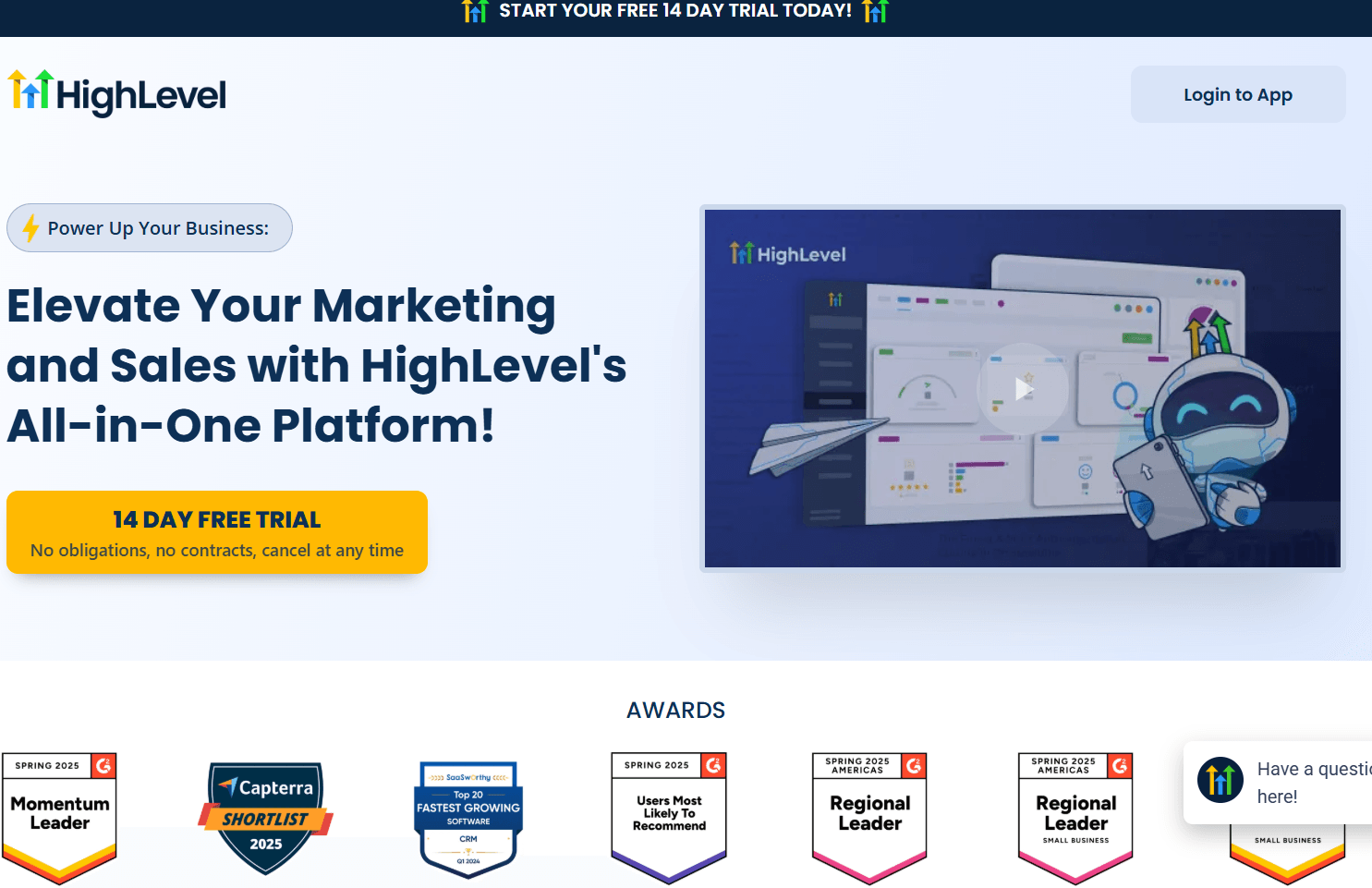
At its core, GoHighLevel (often called “HighLevel”) is a white-label marketing & CRM platform built for agencies, consultants, and service businesses.
Some high-level points:
It’s designed so that agencies can manage multiple client sub-accounts (sometimes called “locations”) under one umbrella (agency account).
It allows white-labeling / rebranding, so agencies can present the platform as their own to clients.
It covers a broad set of marketing, sales, and customer management tools all in one place: funnel & page builders, automations, email & SMS, scheduling, membership management, reputation & review tools, etc.
Thus, the ideal users are:
Digital marketing agencies who want to consolidate tools and manage multiple clients under one system
Consultants / coaches / course creators who need marketing automation, membership functionality, etc.
Service businesses (salons, local businesses, real estate agents, etc.) that need lead capture, appointment scheduling, messaging, and follow-ups
That said, because it packs so many features, there can be a learning curve and the interface may feel dense or complex to newer users
2. Key Features & How They Work
Below is a breakdown of GoHighLevel’s core features, how well they are implemented, and where you might run into friction.
systeme.io
| Feature | What It Offers | Strengths / Notes | Possible Limitations |
|---|---|---|---|
| CRM & Contact Management | Central contact database, tagging, pipelines, deal stages, unified inbox / conversation streams. | Good consolidation of messages (email, SMS, social) in one place. Helps track leads through stages. | For complex sales processes, CRM may feel basic compared to specialized tools. Some users find UI cluttered. |
| Funnel / Landing Page / Website Builders | Drag-and-drop builders for funnels, landing pages, and full websites with templates & integrations (forms, CTAs). | Quick setup of marketing assets without extra tools. Great for agencies managing multiple client sites. | Limited styling options vs. professional builders. Some templates feel restrictive. |
| Marketing Automation & Workflows | Visual workflow builder with triggers, conditions, and multi-channel automation (email, SMS, social). | Powerful automations save time. Great for drip campaigns and lead nurturing. | Complex workflows can be tricky. Debugging and managing large automations may require experience. |
| Email & SMS / Messaging | Built-in campaign tools, 2-way SMS, unified inbox for all messages. | Convenient all-in-one communication hub (SMS + email + calls). | Deliverability can be an issue if not configured properly. SMS costs vary by region. |
| Scheduling & Appointments | Integrated calendar, appointment booking, reminders, and payment options. | Ideal for service-based businesses or coaches. Automates reminders & reduces no-shows. | Occasional sync or display delays reported in calendars. |
| Memberships / Courses | Host membership or course content directly, manage access, and deliver lessons. | Good for coaches and course creators — eliminates need for third-party LMS. | Limited learning features (no quizzes, tracking, etc.) compared to specialized LMS platforms. |
| Reputation / Review Management | Tools for requesting, tracking, and responding to customer reviews. | Centralizes online reputation management — great for local businesses. | Integration delays with platforms like Google or Yelp sometimes occur. |
| White-Label / SaaS & Agency Tools | White-label options for agencies: brand platform, manage sub-accounts, deploy templates ("snapshots"). | Lets agencies resell GoHighLevel as their own SaaS. Excellent for scaling. | Branding control may not be perfect. Client support adds management overhead. |
Additional Notes & Highlights
Many features are available even in the relatively lower pricing tiers, though advanced features and unlimited limits often require upgraded plans.
GHL is regularly updated with new features (they push frequent feature releases) — users often praise its pace of development.
The breadth of features is its strength — you might replace 5–10 separate SaaS tools with one platform.
There is a tradeoff: the more features, the more complexity. Many users comment on a steep learning curve, UI clutter, and difficulty in finding features initially
3. Pros & Cons (Based on User Feedback & Real Use)
👍 Pros
Tool consolidation — You don’t need 10 separate tools; many marketing, CRM, and automation needs are handled in one place.
Strong agency / client management features — Managing multiple sub-accounts, white-labeling, deployable templates = powerful for agencies.
Affordable (relatively) — For the number of tools you get, many see the price as a value.
Active development & feature rollout — New features, improvements, and integrations are added regularly.
Flexibility and automation power — For users who invest time in crafting automations and workflows, the payoff can be high.
Positive reputation & reviews — On review platforms like Trustpilot, GoHighLevel enjoys strong ratings (e.g. many 5-star reviews)
👎 Cons / Challenges
Steep learning curve / UX complexity — Because there’s so much packed in, users often feel overwhelmed when starting.
Occasional UI / bug issues — Some users report calendar glitches, interface lag, or elements not updating timely.
Email deliverability & configuration issues — Some users find that getting email campaigns to land reliably (not spam) requires extra setup, and misconfiguration can hurt performance.
Feature depth tradeoffs — In many categories (e.g. LMS, reporting, advanced CRM), the tools are good enough but may not match specialty software in depth.
Support and documentation gaps — While support exists, sometimes users say documentation or in-platform help could be more robust, especially for advanced features.
Overkill for simple businesses — If you only need a simple CRM or simple site, the breadth of GHL may be more than necessary (and possibly expensive).
Affiliate hype / marketing noise — Because GHL is heavily promoted through affiliates, some reviews are biased; separating signal from promotion is important.
4. Use Cases, Tips & How to Maximize Value
Here are some ideas & best practices if you choose to adopt GHL:
Use Cases
An agency onboarding new local business clients: set up funnels, automate follow-up, manage leads, collect reviews — all inside GHL.
A coach or course creator who wants to host content, nurture leads, run webinars, and sell memberships — consolidating tools.
A service business (salon, clinic, consultancy) automating appointments, reminders, no-show follow-up, collecting reviews.
SaaS / reselling: white-label GHL, onboard clients, charge monthly for their subscription and your management service.
Tips for Success
Start simple. Begin with one funnel or campaign. Don’t jump into all modules at once.
Use “snapshots” / templates. Prebuild templates for certain industries (funnel + automation) you can clone for each client.
Design thoughtful automations. Consider user flows, exceptions, failure paths. Test thoroughly.
Set up deliverability carefully. Use correct DNS, SPF, DKIM, domain alignment. Monitor bounce/spam rates.
Train your team / clients. Given the complexity, internal training or simple tutorial videos help reduce friction.
Leverage the community & resources. Many GHL users share workflows, templates, and tips.
Measure & iterate. Use dashboard analytics; identify weak points, refine messaging, funnels, touchpoints.
5. Verdict: Is GoHighLevel Worth It?
So, should you use GoHighLevel?
✅ Yes, if you run an agency, manage multiple clients, or need many marketing/CRM tools under one roof. Its white-labeling, sub-account architecture, and automation capabilities make it compelling for agency and consultant use.
✅ Yes, if you’re a creator or service business wanting to streamline your entire marketing stack (site + funnels + messaging + scheduling) without juggling many tools.
❓ Maybe, if your needs are modest (just a light CRM or basic website). A lighter, simpler tool might be more cost-effective and easier to maintain.
⚠️ Caution, there’s a learning curve and configuration effort. You’ll need to invest time in setup, training, and maintaining good practices especially around email deliverability.
💡 If you adopt it, approach it with a roadmap: build one funnel or automation at a time, test, and expand gradually.
In summary: GoHighLevel is one of the most ambitious all-in-one platforms on the market. It can save you switching between 5–10 tools, and for the right use cases (agencies, marketers, service businesses), it provides strong leverage. But it’s not perfect, and the success depends heavily on how well you implement and maintain it.
Let us know what you think in the comments!


Created with ©systeme.io